Are you coping with the Kohl’s Credit Card Login page? We’ve got your back.
You might be facing a problem or just want a quick link to access your account.
In this article, you’ll not only get a quick tutorial on access but also explore ways to secure your account.
What the Kohl’s Credit Card Login Actually Does
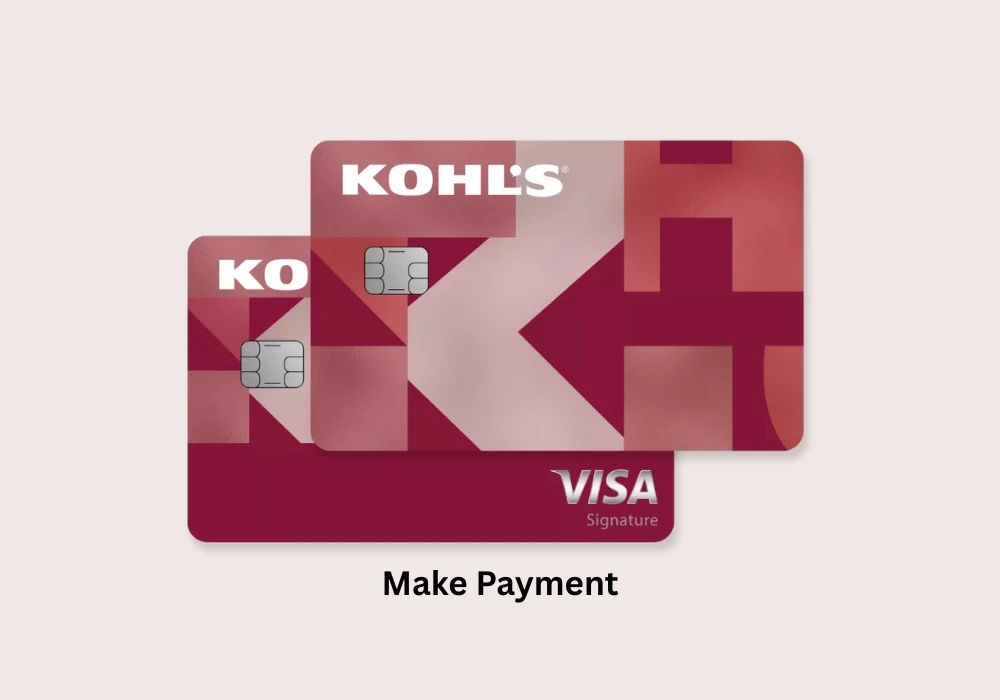
When you log in to your Kohl’s credit card account, you can keep tabs on your statement, set up auto pay, turn on notifications, view your balance, and make a payment.
Not only does it help cardholders manage their accounts seamlessly without leaving their seats, but it is also the most secure way.
So if you have applied for a Kohl’s credit card online, you can access your account using the same credentials that you created during registration.
The only thing you should be concerned about is logging in through the correct source, as many fake links are clamoring for your wealth.
How To Log In To Your Kohl’s Credit Card Account
Accessing your Kohl’s account is straightforward, as all you need is a Capital One online account. If you already have one, you can access it using your credentials. However, if you have no Capital One account, you’ve set up online access first. So let’s know the login process step-by-step.
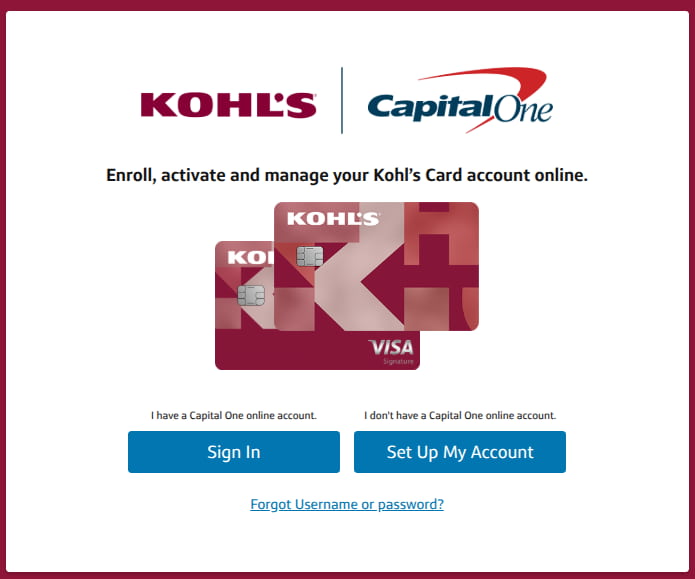
- Navigate to the kohls.capitalone.com/ and click the Sign In button.
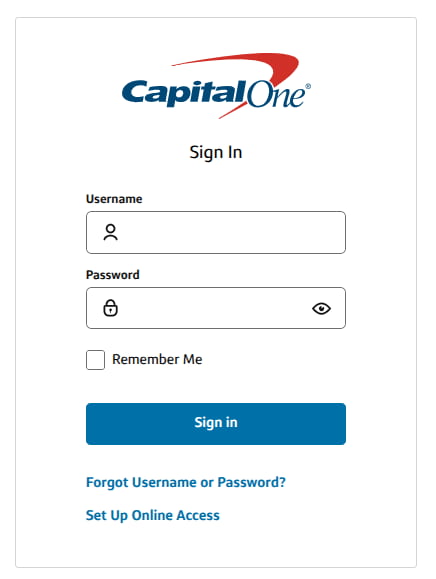
- It will redirect you to the Capital One page, where you have to enter your Username and Password. You can sign in as a guest, so you must have an account.
- Once all set, tap the Sign in button to access your Kohl’s credit account accocunt.
- In the dashboard, you can manage a host of options like making payments, scheduling, autopay, statements, and more.
If you’re tired of using a password or username, you can set up a passkey to log in via fingerprint or face.
How to Create a Kohl’s Credit Card Account
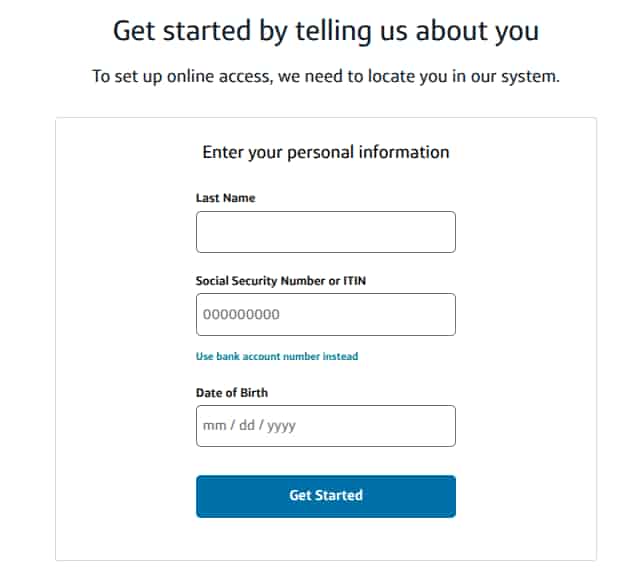
- A Capital One page will open up where you have to verify your identity by submitting your personal information, like your Social Security Number or ITIN, date of birth, and your last name.
- Once you’ve entered all the details, tap get started.
- You’ll be prompted to generate a username and password that you can use to access your Kohl’s account.
Troubleshooting Login
Wrong Page
Landing on the wrong page brings security concerns, which is why it’s quite crucial to factor it in.
Ensure you’re using the official Kohl’s website login page instead of any other website.
Some websites show outdated links, so it’s good to avoid them.
Browser Problems
You must use an updated browser such as Google Chrome, Safari, or Firefox to sign in smoothly. In case you use an outdated browser, the login page might respond badly. Also, ensure you clean your browser cache to avoid glitches.
Account Locked
Did you enter the wrong password too many times? If yes, the system can lock your account for safety. However, it’s not a complex issue; you can get back your account through the “Forgot Password” option.
Slow Internet
This can also be an issue. If your Internet is slow, the page won’t load up easily. In such a case, fix your Internet, and refresh the page.
Where You Must Go to Log In
There are not many websites that let you access your Kohl’s CC account.
Since Kohl’s work with Capital One to issue credit cards, it refers you to the Capital One site to access your Kohl’s credit cards.
Not the Kohl’s itself does not have an official website for accessing credit cards.
So, you can only access via Capital One, as it’s already outlined in this article.
How To Retrieve Credentials
You forgot your Kohl’s CC username or password? Don’t worry, here is the step-by-step process to reset your credentials.
- Go to the same login page.
- Click on the Forgot Username or Password.
- Now provide your basic details, like SSN or Last Name, so the system can locate your Capital One account.
- Once the system finds your username, you can also update your password
Managing Your Kohl’s Credit Card Profile
Updating Personal Information
The dashboard lets you edit your address, phone number, or email. Many people skip this, causing issues with alerts and mailed statements. Keeping details updated avoids problems later.
Viewing Statements
Each statement is available as a downloadable PDF. You can review charges, credits, adjustments, and interest.
Alerts and Notifications
You can turn alerts on or off depending on your preferences. Some prefer monthly reminders, while others want payment alerts only. It’s not mandatory, but could be a custom experience.
How You Can Protect Your Account
Protecting your account is as important as saving your money. Here are the best tactics that you can leverage to double your security.
Create Strong Passwords
It’s crucial to have a strong password that nobody can guess, except you. It must have 8 letters, blended with symbols, alphabets, and numbers. Later, you can jot down the password or save it to a trusted password manager tool.
Log Out Every Time
Logging out keeps your account from being accessed by an unknown entity. However, you can skip this if you have a personal device.
Avoid Public Wi-Fi
This is a crucial step, as it can allow a random user to peep into your account when not logged out. So, you must avoid shared devices and Wi-Fi to prevent unauthorized access.
Wrapping It Up
Got your problem solved or learned to log in to your Kohl’s credit card account easily and securely?
If you’re still stuck, you can reach out to the company’s support team so they can look into your issue and fix it.
FAQS
You can log in through the official Kohl’s Card page, which redirects to Capital One, because Capital One now manages all Kohl’s credit accounts. Always use the official website to avoid errors or outdated links.
You may be entering the wrong password, or your account got locked due to multiple login failures. Or you’re using an outdated browser. Keep your browser up to date, and clear your cache from time to time.
Navigate to the login page, tap the “Forgot Username or Password”. You can find your username and generate a new password after submitting a few security questions.
No. There is no guest pay option available on the Kohl’s website or the Capital One page.
Kohl’s moved its credit services to Capital One, so all cardholders now manage their accounts through Capital One’s secure portal. The redirect is normal and necessary for account access.